About Greenscreencut
What it is
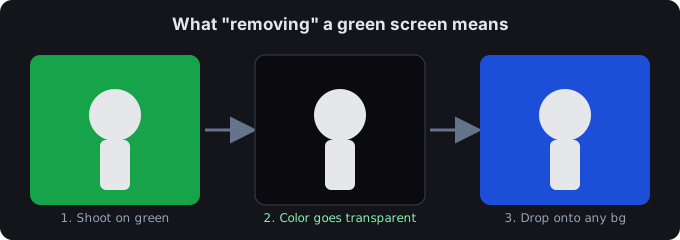
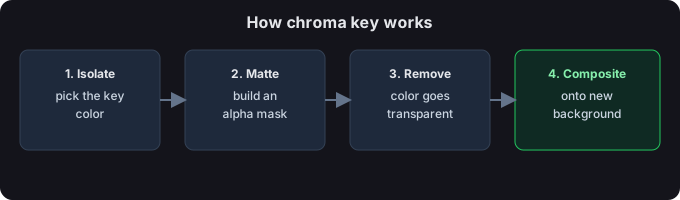
Greenscreencut is a free online green screen remover (chroma key tool). It lets you take the green or blue background out of an image or video and export a transparent result — all without installing anything.
What it does
- Removes green or blue screen from images and videos right in your browser.
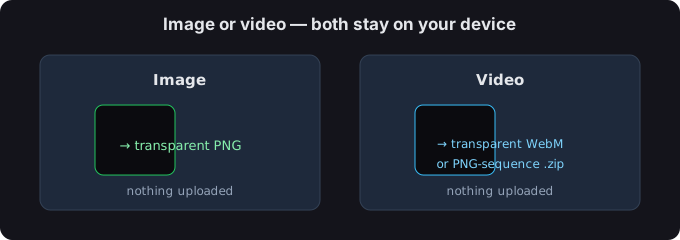
- Exports a transparent PNG, a transparent WebM, or a PNG-sequence zip.
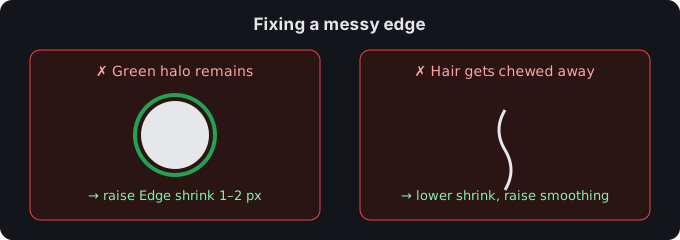
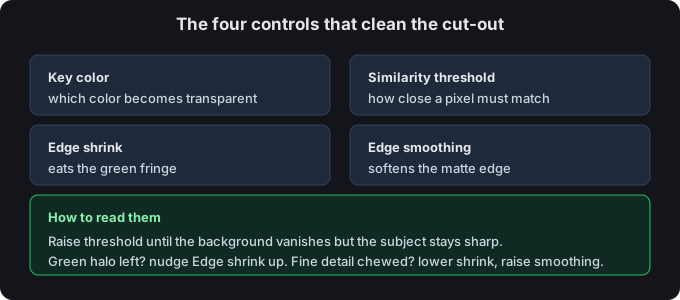
- Lets you fine-tune the result with a key-color picker, similarity threshold, edge smoothing, and edge shrink controls.
Why it's built this way
Everything runs on your own device. Your files are never uploaded to a server, there is no account to create, and you can use it as many times as you like. It's a small, focused tool that respects your privacy by keeping your media on your machine.
Who made it
Greenscreencut is built and maintained by the Greenscreencut project — an independent developer focused on free, private, browser-based media tools. There is no venture capital and no account system behind it; it is one small tool kept running so anyone can key out a background without uploading a file.